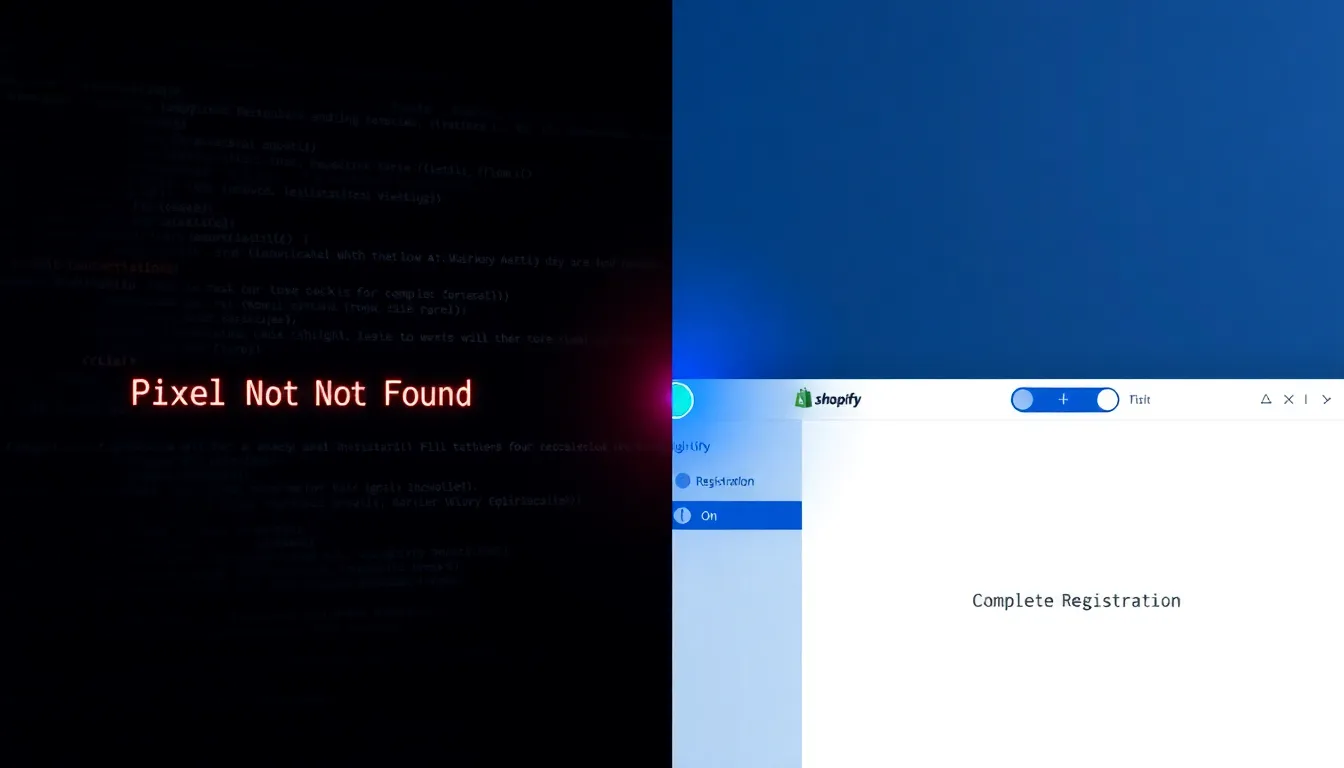
Escape the 'Pixel Not Found' loop and deploy a fully tracked 'Complete Registration' goal on Shopify in under 5 minutes.
Imagine spending an entire workday fighting a tool that claims your pixel is missing, even though you can see it firing in the browser. For many media buyers, the TikTok Event Builder is a "phantom event" trap—a frustrating loop of manual mapping and "Pixel Not Found" errors that halts campaign scaling. When your tracking fails, your ROAS data vanishes. It’s time to stop the debugging nightmare and switch to a no-code alternative that actually works.
The TikTok Friction Point: Why the Event Builder Loops
The TikTok Event Builder operates on a fragile premise: it attempts to "read" your site in real-time to map buttons and URLs. When targeting a 'Complete Registration' goal on a Shopify thank-you page, this process often collapses. Because Shopify’s checkout and registration pages are dynamically generated, the Event Builder frequently fails to recognize the pixel's presence, triggering the dreaded "Pixel Not Found" error. You aren't missing a pixel; you're fighting a technical disconnect between TikTok's manual mapping tool and Shopify's protected page architecture.
This creates a dangerous debugging loop. Media buyers spend hours refreshing pages and re-mapping buttons, only to find the events aren't firing in the events manager. This technical debt does more than waste time—it kills momentum. While you wait for a "Pending" status to turn green, your campaigns run blind, unable to optimize for lead quality or accurately calculate ROAS, effectively stalling your ability to scale.
The 5-Minute Fix: Snapchat’s Toggle-Based Integration
Snapchat eliminates this friction by replacing manual mapping with a native Shopify app integration. Instead of hunting for buttons and guessing URL patterns, the Snapchat integration leverages a server-side handshake. You don't "build" an event; you simply authorize the connection and toggle a switch.
The mechanism is straightforward:
- Install: Add the official Snapchat app via the Shopify App Store.
- Connect: Link your Ad Account and Pixel ID.
- Activate: Toggle the "Complete Registration" event to "On."
This toggle-based system bypasses the browser entirely, sending data directly from Shopify’s backend to Snapchat. By removing the need for a manual Event Builder, you eliminate the risk of "Pixel Not Found" errors and ensure that every registration is captured instantly, without touching a single line of code.
Speed Test: Real-Time Lead Recording vs. Debugging
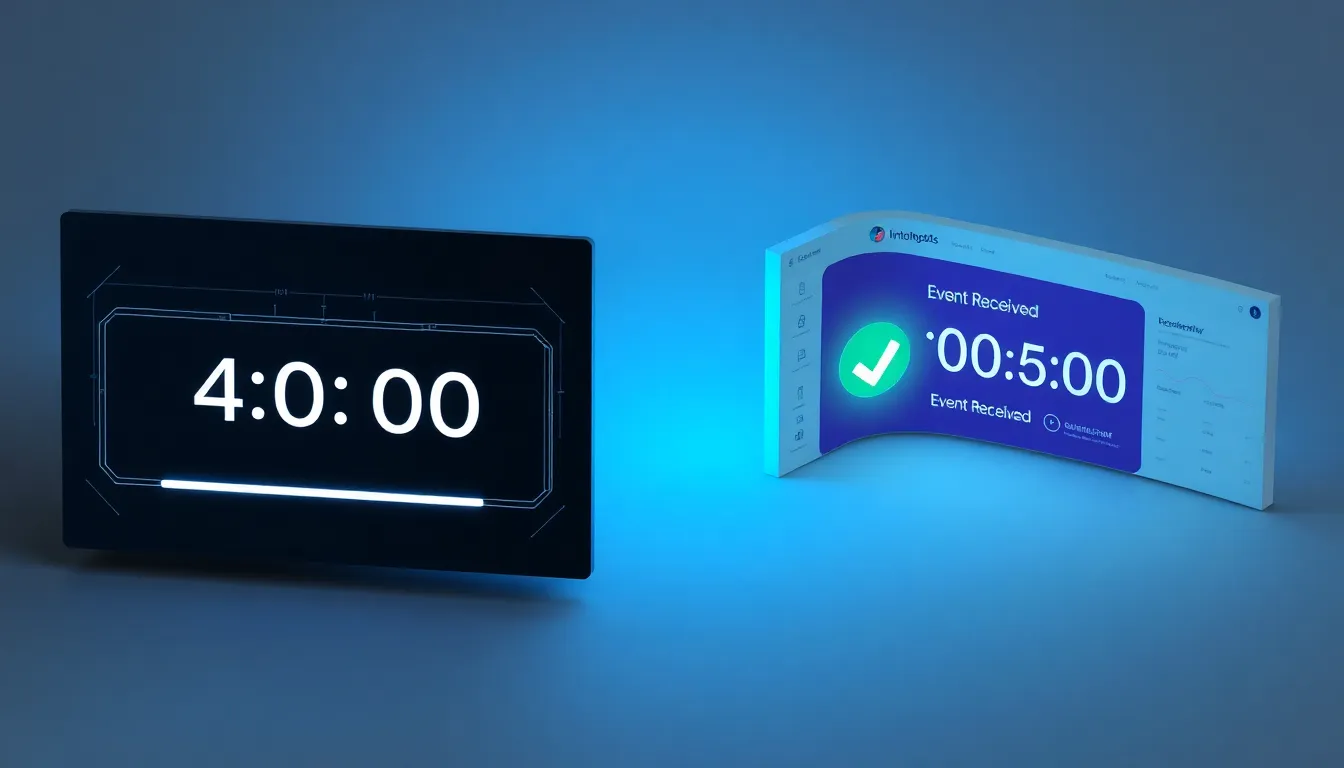
When you put these two workflows side-by-side, the disparity in speed is jarring. In a live test, the Snapchat deployment is completed in under five minutes: installation, account linking, and the 'Complete Registration' toggle are active, with the first lead recording in the dashboard immediately after a test conversion. There is no guesswork, only a binary "on" or "off" state.
In contrast, the TikTok setup often enters a state of perpetual "pending." The timeline stretches from five minutes to several hours—or days—as you cycle through clearing caches, re-mapping the thank-you page, and waiting for the Event Builder to acknowledge the pixel. While Snapchat provides real-time lead data, TikTok leaves you staring at a debugging console, unable to prove that your tracking is actually working.
Conclusion
The gap between TikTok’s manual Event Builder and Snapchat’s native integration isn't just a matter of convenience—it's a matter of data integrity. By replacing fragile manual mapping with a single toggle, you eliminate the "pixel not found" loop and reclaim hours of debugging time.
Stop guessing if your events are firing. Run parallel campaigns to compare the reliability of Snapchat’s seven native Shopify events against your current TikTok setup. Your ROAS depends on accurate data, not phantom events.